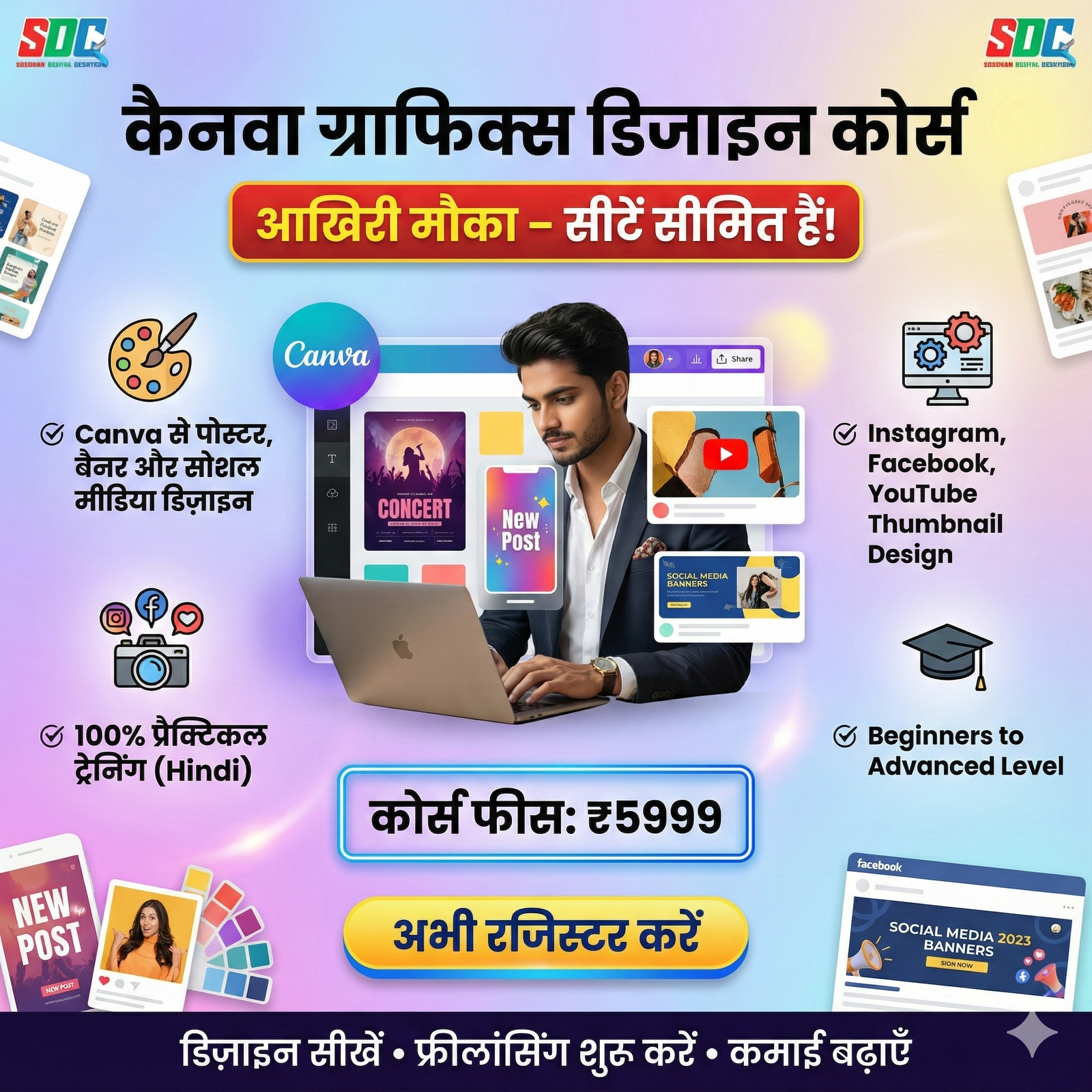
Saksham Digital Creations is launching the Canva Graphics Design Internship Course, a perfect opportunity for anyone who wants to become a professional graphic designer without any technical background.
This course is specially designed for beginners and aspiring designers who want to build strong creative skills using Canva, from basic to advanced level.
📘 Course Duration & Structure
This is a 3-month (12-week) comprehensive training program that covers complete Canva graphics design education from beginner to advanced level.
-
Balanced weekly learning with theory + practical training
-
Step-by-step skill development
-
Real-world design exposure
📚 Detailed Course Modules
🔹 Module 1: Introduction to Canva & Setup (Week 1)
Canva Basics
-
What Canva is and how it works
-
Canva Free vs Canva Pro features
-
Account creation and profile setup
-
Understanding Canva interface and navigation
-
Dashboard, side panel, and top bar overview
Workspace & Organization
-
Organizing design projects
-
Creating and managing folders
-
Saving and naming designs properly
🔹 Module 2: Fundamentals of Graphic Design (Weeks 2–3)
Design Elements
-
Basic design elements (line, shape, form, texture, space)
-
Design principles: balance, contrast, emphasis, proportion, unity
-
Understanding visual hierarchy
Color Theory
-
Basics of color theory and color wheel
-
Color psychology and importance in branding
-
Creating color combinations and palettes
-
Using color tools in Canva
Typography
-
Types of fonts and their usage
-
Font pairing and combinations
-
Text hierarchy and readability
🔹 Module 3: Canva Tools & Features Mastery (Weeks 4–5)
Basic Tools
-
Searching and using templates
-
Adding elements, shapes, and lines
-
Uploading and editing photos
-
Drag-and-drop functionality
Advanced Tools
-
Background remover (Pro feature)
-
Photo editing and effects
-
Magic Writer and AI tools
-
Brand Kit setup and management
Text & Typography Tools
-
Adding and styling text boxes
-
Text effects: shadow, glow, outline
-
Curved text and text animation
🔹 Module 4: Different Design Projects (Weeks 6–8)
Social Media Graphics
-
Instagram posts, stories, and reels
-
Facebook covers, posts, and ads
-
YouTube thumbnails, channel art, and banners
-
LinkedIn posts and cover images
Marketing Materials
-
Posters and flyers
-
Brochures and catalogs
-
Business cards and visiting cards
-
Banners and hoardings
Presentations & Documents
-
Professional presentations
-
Reports and eBook designs
-
Infographics and data visualization
-
Certificates and awards
Branding Projects
-
Logo design and brand identity
-
Creating mood boards
-
Developing brand color palettes
🔹 Module 5: Advanced Design Techniques (Weeks 9–10)
Animation & Video
-
Creating animated graphics
-
Video editing and mixing
-
Page transitions and element animations
-
GIFs and short video creation
Mockups & Prototyping
-
Product mockups
-
T-shirt and merchandise designs
-
Packaging design
AI-Powered Design
-
Magic Media and AI image generation
-
Text-to-image creation
-
Smart resize feature
🔹 Module 6: Workflow & Productivity (Week 11)
Efficient Working
-
Canva shortcuts and time-saving tips
-
Creating and reusing templates
-
Content planner and scheduling
-
Team collaboration features
Export & Sharing
-
Download formats: PNG, JPG, PDF, MP4, SVG
-
Print-ready designs
-
High-resolution and DPI settings
🔹 Module 7: Final Project & Portfolio (Week 12)
Comprehensive Project
-
Complete brand identity project
-
Social media campaign creation
-
Professional portfolio development
⭐ Key Course Features
✔ Live Training & Recorded Classes
-
Interactive live sessions
-
Recorded video lectures
-
1-year course access
✔ Practical Assignments
-
Practical projects after every module
-
Real-world client-based projects
-
25+ detailed video tutorials
✔ Expert Guidance
-
Learn from designers with 15+ years of experience
-
Weekly doubt-clearing sessions
-
Chat and call support
✔ Study Materials
-
PDF shortcut guides
-
Downloadable resources
-
Practice files and templates
📝 Exam & Internship Criteria
At the end of the course, students must appear for a comprehensive online exam consisting of 100 questions, covering:
-
Graphic design fundamentals
-
Canva tools and features
-
Practical design skills
-
Color theory and typography
-
Creativity and innovation
🎓 Internship Opportunity
Students scoring 75% or above will receive a 3-month remote unpaid internship, completely work-from-home.
🛠 Internship Responsibilities
Graphics Design Projects
-
Creating social media graphics for clients
-
Designing marketing and promotional materials
-
Branding collaterals and visual identities
Content Creation
-
Working on 3–5 design projects daily
-
Designing for different industries
-
Creating banners, posters, and advertisements
Team Collaboration
-
Working with senior designers
-
Receiving and implementing feedback
-
Meeting project deadlines
🎁 Internship Benefits
✔ Professional Experience
-
Opportunity to work on 100+ real client projects
-
Multi-industry design exposure
-
Client communication skills
✔ Portfolio Development
-
50+ professional design samples
-
Multiple design styles and categories
-
Job-ready portfolio
✔ Certification
-
Internship completion certificate
-
Recognized course certificate
-
LinkedIn-shareable certificates
✔ Career Support
-
Possibility of recommendation letter
-
Performance-based incentives (₹5,000 – ₹10,000)
-
Chance of full-time job offer
🚀 Career Opportunities & Salary
After completing the course and internship, students can work as:
-
Graphic Designer
Salary: ₹15,000 – ₹50,000/month -
Social Media Designer
Salary: ₹10,000 – ₹40,000/month -
Freelance Graphic Designer
Earnings: ₹2,000 – ₹15,000 per project
Monthly income: ₹25,000 – ₹60,000 -
Brand Designer
Salary: ₹30,000 – ₹50,000/month -
UI/UX Designer (Entry Level)
Salary: ₹20,000 – ₹40,000/month
🎯 Eligibility & Requirements
Educational Qualification
-
No specific degree required
-
12th pass or graduates
-
Students, homemakers, and working professionals can apply
Technical Requirements
-
Computer/Laptop, iPad, tablet, or smartphone
-
Stable internet connection
-
Canva account (Free or Pro)
Desired Skills
-
Creativity and visual thinking
-
Basic computer knowledge
-
Interest in design
💻 Learning Mode
Online Live Classes
-
Weekday and weekend batches available
-
Live Q&A sessions
Self-Paced Learning
-
Learn at your own convenience
-
1-year course access
🎁 Bonuses & Additional Benefits
Free Bonus Materials
-
Premium templates collection
-
Stock images and graphics library
-
Exclusive design resources
Canva Pro Subscription
-
365 days FREE Canva Pro access
-
Full access to all premium features
👥 Who Is This Course For?
-
Students
-
Business owners
-
Social media managers
-
Freelancers
-
Job seekers
-
Marketers and advertisers
🎓 Importance of Certification
The certificates you receive after course and internship completion help you:
-
Add credibility to your LinkedIn profile
-
Strengthen job applications
-
Build trust on freelance platforms
-
Showcase verified skills to clients
Reviews
There are no reviews yet.